13OCT2026
How to Monetize a Facebook Page: Requirements, Methods & Earnings
Table of Contents
To monetize a Facebook Page, use a Page or a profile in Professional Mode, stay within Meta’s monetization policies, and turn on whichever tools your Monetization dashboard unlocks: Content Monetization (invite-based), Stars (500 followers for 30 days), Subscriptions, or paid brand partnerships.
But, Facebook monetization is no longer just about hitting a follower count and turning on ads. Different earning methods work for different types of creators.
In this guide, you’ll learn which options are available in 2026, how to check your eligibility, what affects your earnings, and what can stop a Page from being monetized.
Facebook Monetization Requirements
To monetize a Facebook Page in 2026, you need an eligible Facebook Page or a personal profile using Professional Mode. You must also meet Meta’s age, location, content, and policy rules.
The exact requirements can change depending on the monetization tool you want to use, so there is no single follower or watch-time rule for every creator.
Basic Requirements
Before any monetization feature becomes available, your account should meet these basic conditions:
- Account type:Use a Facebook Page or a profile with Professional Mode enabled.
- Age:You must be at least 18 years old.
- Location:You must live in a country where the monetization feature is supported.
- Account standing:Your Page or profile should not have active policy problems that block monetization.
- Original content:Publish content you created or meaningfully improved. Simple reposts and copied content can limit monetization.
- Content rights:Make sure you have permission to use video, music, images, and other media in your posts.
- Policy compliance:Follow Facebook Community Standards, Partner Monetization Policies, and Content Monetization Policies.
Meta also expects creators to add real value when using licensed or third-party footage. Voice narration, original commentary, added information, or meaningful editing can show the content isn't a simple repost.
5 Ways to Monetize a Facebook Page
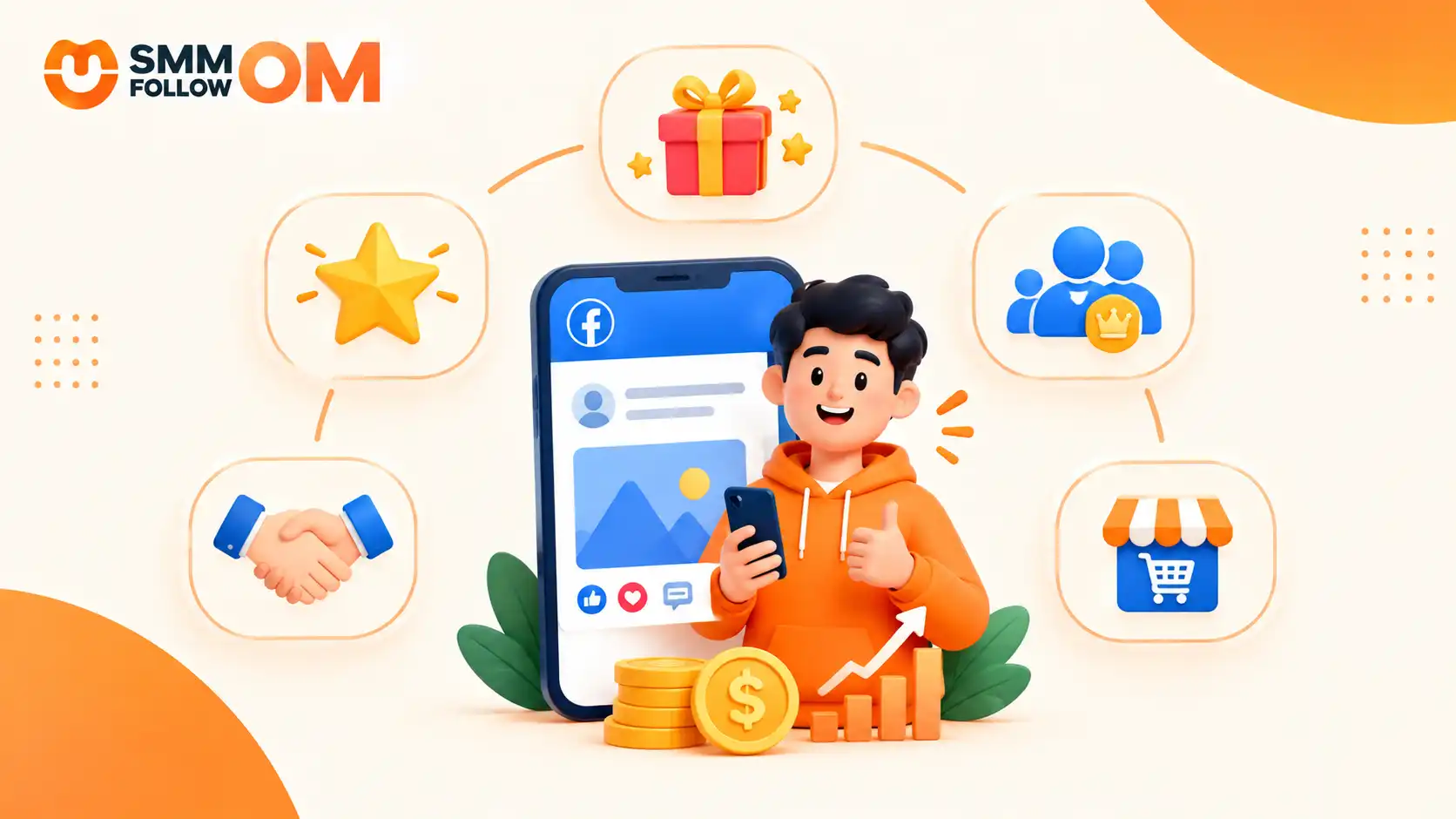
Facebook currently offers five main ways to earn:
Facebook Stars & Gifts
Facebook Stars let your followers support you directly. Viewers buy Stars from Facebook and send them on eligible content such as Lives, Reels, videos, and some other posts.
Creators earn $0.01 per Star, so 100 Stars is $1.
Stars work best when you already have an active audience that wants to support your content.
To use Stars, your Page or professional profile needs to be eligible, available in a supported country, and in good standing. You also need to follow Meta’s monetization rules. If Stars is available to you, you can usually turn it on from the Monetization section of your dashboard.
Facebook Subscriptions
Subscriptions are when your biggest supporters pay you every month. In return, you can give subscribers extra benefits such as exclusive posts, badges, private content, or access to a subscriber-only community.
This is different from earning through views. With subscriptions, the income comes from people who choose to support you regularly.
To enable it, you need an eligible Page or professional account, a supported location, and access to the feature in your monetization dashboard. Your account must also follow Meta’s rules.
Subscriptions make the most sense when you already have a loyal audience that wants more from you.
Facebook Content Monetization
Facebook Content Monetization is Meta’s main program for paying creators based on how their content performs. It can cover different formats, including Reels, longer videos, photos, Stories, and text posts, depending on what your account is eligible for.
There is no simple “X views = X dollars” rule. Earnings depend on eligible content performance and qualified views.
The program also absorbed the older In-Stream Ads, so video ad earnings now come through Content Monetization, and many Pages no longer see In-Stream Ads as a separate option.
To check access, go to Professional Dashboard or Meta Business Suite → Monetization. If the program is available, you may see an invitation or an option to express interest.
You will also need to accept the terms and complete your payout details.
Getting into the program does not mean every post will earn. Each piece of content still has to meet Meta’s monetization rules.
Partnership Ads & Branded Content
In brand partnerships, you can make money by working directly with companies. A brand may pay you to create a Reel, video, photo, or post featuring its product. In some cases, the brand can also turn your content into a Partnership Ad.
In this case, the brand pays you, not Facebook.
You do not always need a huge audience. Brands often care more about your niche, engagement, audience trust, and whether your followers match their target audience. If the content is sponsored, you should also use the proper paid partnership labels and follow Meta’s branded-content rules.
Facebook Storefront
A Facebook storefront means making money by selling something to your audience.
That could be merchandise, digital products, physical products, or other offers connected to your business. This works differently from creator payouts because Facebook is not paying you for views. Your income comes from customers who buy what you sell.
The exact setup depends on what you offer and which commerce tools your account supports. You may need a business Page, product details, payment setup, or a connected store.
This option can still be useful even if you are not eligible for Facebook’s creator monetization programs.
Because a storefront sells to people rather than to Meta’s eligibility system, engagement on a product post plays a different role.
Smmfollowom’s Facebook smm panel services can add that visibility, though it does nothing for your creator-payout eligibility and will not replace an audience that actually buys.
How to Monetize a Facebook Page Step by Step
Monetizing a Facebook Page starts with checking what your account can use, choosing the right earning method, and setting up the required payment details. After that, your main job is to publish original content, grow the right audience, and track which content actually earns.
Step 1: Check Your Monetization Eligibility
Start by checking whether Facebook has already made any monetization tools available to your Page.
On desktop, open Meta Business Suite. On mobile, you can also use Professional Dashboard.
Then:
- Open your Facebook Page.
- Go to Monetization.
- Check which earning tools are available.
- Review any eligibility requirements.
- Look for policy warnings or restrictions.
You may see options such as Content Monetization, Stars, Subscriptions, or other creator tools depending on your account and location.
If Facebook shows that your Page is not eligible, check the reason before doing anything else. A policy issue, unsupported country, or account restriction may need to be fixed first.
Step 2: Complete the Monetization and Payout Setup
Once an earning feature becomes available, finish the setup before expecting any payment.
Facebook may ask you to:
- accept monetization terms,
- confirm your identity,
- enter legal or business information,
- provide tax details,
- add a payout method,
- and verify your payment account.
Check these details carefully. An incorrect name, incomplete tax information, or a payout issue can delay your earnings even when your content is already monetized.
Step 3: Build Your Content Around the Audience You Want to Earn From
Keep original content at the centre of your monetization strategy.
Instead of chasing every trend, focus on topics that your audience actually cares about. A viral post can bring many random views, but those viewers may never return, subscribe, send Stars, or buy anything.
A stronger content plan can include:
- answering common audience questions,
- creating useful Reels and videos,
- using polls or Q&A posts,
- turning comments into new content ideas,
- testing photos, text posts, Stories, and videos,
- and covering topics connected to your products, services, or niche.
Meta has also been putting more emphasis on original content. Reposting other creators' work without adding meaningful value can hurt monetization.
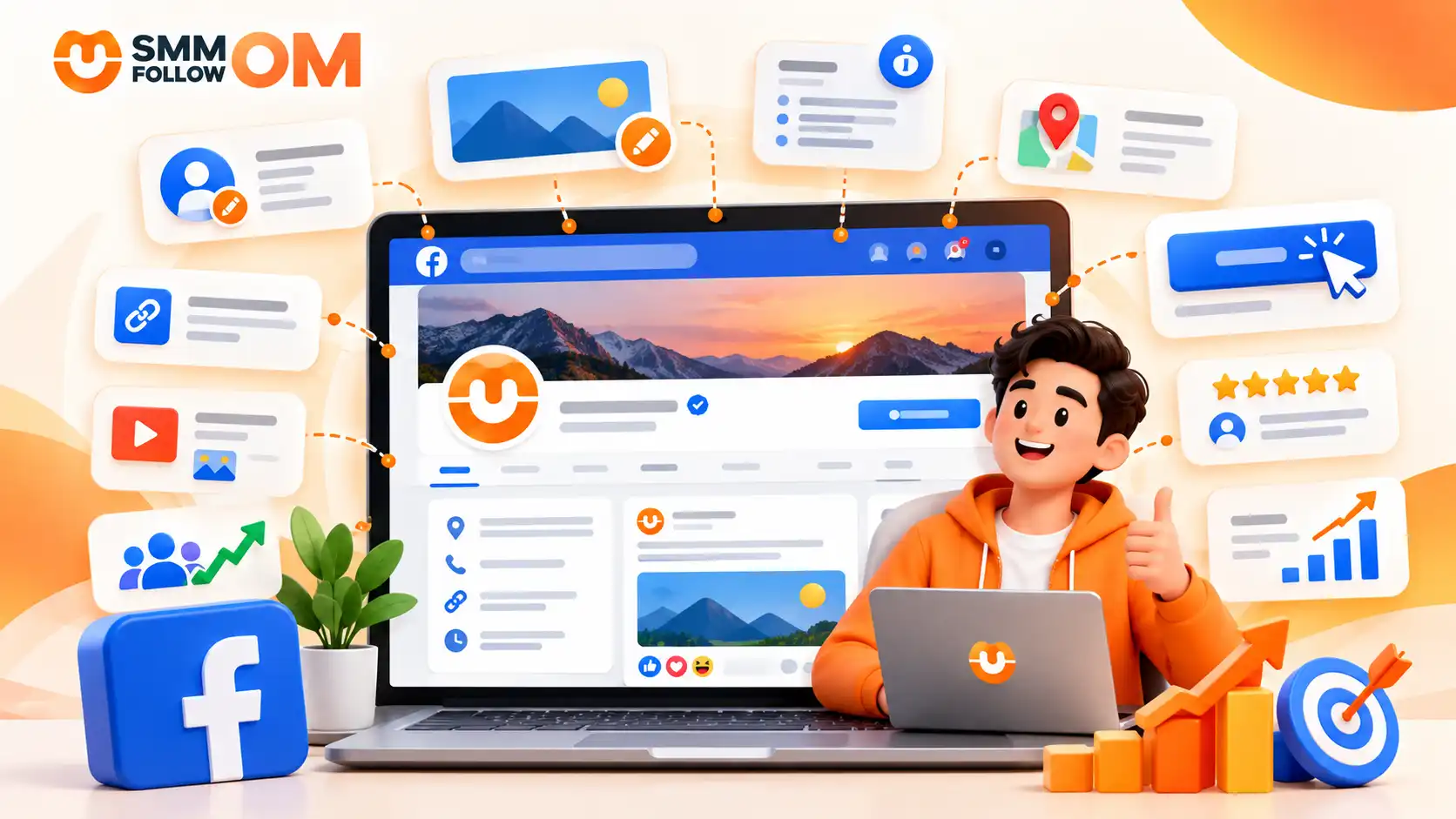
Before you chase payouts, check that the Page itself is in shape, because a missing CTA or wrong contact detail loses buyers no matter how many views arrive. The checklist for fixing a Facebook Business Page takes about an hour.
Step 4: Publish Consistently and Test What Works
You do not need to post the same format every day.
Try different types of content and compare the results. One audience may respond better to short Reels, while another may spend more time with longer videos or useful text posts.
Test things such as:
- video length,
- opening hooks,
- captions,
- posting times,
- topics,
- thumbnails,
- and calls to action.
Do not change everything after one weak post. Look for patterns across several pieces of content.
If a certain topic consistently brings stronger watch time, shares, qualified views, or conversions, create more content around that subject.
Step 5: Track Your Earnings and Content Performance
Once monetization starts, do not focus only on total views. Open Meta Business Suite or Professional Dashboard and check which posts are actually helping you earn.
Useful metrics can include:
- qualified views,
- watch time,
- audience retention,
- reach,
- shares,
- comments,
- repeat viewers,
- Earnings Rate,
- and non-qualified views.
If you also sell products, services, or affiliate offers, track what happens after people leave Facebook. Tools such as Google Analytics can help you see whether Facebook traffic turns into leads or sales.
How Many Views Do You Need To Monetize A Facebook Page?
The number of views or watch minutes you need depends on the Facebook monetization feature you want to use for example:
What Can Stop a Facebook Page From Being Monetized?
A Facebook Page can lose monetization because of policy violations, unoriginal content, or account and settings problems. Some issues can block one earning tool, while repeated problems can remove monetization access more broadly.
1. Policy Violations
If you break Facebook’s Community Standards, Partner Monetization Policies, or Content Monetization Policies, your Page can lose access to monetization.
This can happen if you post content involving hate speech, bullying, nudity, graphic violence, misinformation, or other restricted material. Repeated policy problems can make the situation worse.
What can happen:
You may lose access to Stars, Content Monetization, subscriptions, or other earning tools. Facebook may also limit your content reach, remove posts, or place restrictions on your Page.
How you can fix it:
If you receive a warning, open Meta Business Suite or Professional Dashboard and check the issue shown there. Remove or correct content that breaks the rules. If you believe Facebook made a mistake, use the appeal option when it is available. If you keep posting the same type of restricted content, the restriction can continue or become more serious.
2. Unoriginal or Reused Content
Facebook wants creators to add real value. If you keep reposting other people’s videos, movie clips, compilations, or content with another platform’s watermark, your Page can become ineligible for monetization.
Using copyrighted music or footage without permission can also create problems. Simply cropping a video, adding a border, or changing the speed may not make reused content original.
What can happen:
Your content may stop earning even if it still receives views. If reused content becomes a pattern, Facebook may restrict monetization across your Page.
How you can fix it:
Create more of your own videos, photos, and posts. If you use third-party footage, add meaningful commentary, narration, analysis, or editing that changes the value of the content.
You should also make sure you have the rights to any music, video, or images you use. If most of your Page is made from reposts, you may need to change your content strategy before monetization becomes available again.
3. Account, Settings, and Location Problems
Not every monetization issue comes from the content itself. Your settings, account status, or location can also stop you from earning.
For example, if a required monetization setting is disabled, ads or other earning features may stop working. Your account may also become ineligible if the feature is not supported in your country. Long periods of weak or inactive posting can also make it harder to qualify for some creator programs.
What can happen:
You may see messages such as “Not Eligible,” “Restricted,” or “Unavailable” even when your content does not have an obvious policy violation.
How you can fix it:
Go to Professional Dashboard → Monetization or Meta Business Suite → Monetization and check your current status. Make sure the required earning features are turned on, your payout details are complete, and your account information is correct.
If your country is not supported, changing settings will not solve the problem. You will need to wait until Meta makes that feature available in your location.
How Much Can You Earn From Facebook Monetization?
Facebook earnings can vary a lot. A small or new creator may earn only a few cents or dollars at first, while a page with strong reach, repeat viewers, and viral content can make hundreds or even thousands of dollars per month.
There is no fixed rate for everyone. Earnings depend on the monetization method, qualified views, engagement, audience location, niche, and how well the content performs.
Meta also runs Creator Fast Track for creators who built their audience elsewhere. It pays $100 to $450 a month for 20,000 to 99,999 followers on Instagram, TikTok or YouTube, $1,000 for 100,000 to 999,999, and $3,000 for 1 million or more. Payments last three months and depend on posting 15 eligible reels a month on 10 separate days. The program is open only in the US, Canada, the UK and Australia, so creators in Bangladesh cannot join it for now.
The wider point stands even where Fast Track does not reach. Meta is paying for audiences built elsewhere, so building one on TikTok is worth treating as its own project rather than an afterthought.
Your actual income depends on qualified views, audience location, engagement, content type, and your monetization method.
Frequently asked questions
How Much Does Facebook Pay for 50,000 Views?
Usually $1 to $10 for 50,000 views, depending on niche and audience country. We broke the full range down in what Facebook Reels actually pay per 1,000 views, including why two Reels with the same view count earn differently.
How Can You Make $500 a Day on Facebook?
Reaching that level usually takes several income streams, such as Content Monetization, Stars, subscriptions, sponsorships, affiliate offers, or your own products and services. Relying only on views makes the target much harder and less predictable.
How Much Can You Make With 30,000 Facebook Followers?
A Page with 30,000 inactive followers could earn very little, while another Page with the same audience size could earn much more through strong views, subscriptions, Stars, sponsorships, or sales. Follower count helps, but audience activity matters more.
What Is the Fastest Way to Make Money on Facebook?
If you already have an audience, selling a product, service, affiliate offer, or sponsored post can often generate income faster than waiting for Facebook creator payouts. For long-term income, combine those methods with Facebook Content Monetization, Stars, or subscriptions once your account becomes eligible.
Conclusion
One thing worth doing every month is checking which posts actually earned well, not just which ones got the most views. Look at qualified views and Earnings Rate in your dashboard, then compare your top five earning posts by topic and format.
If the same type of Reel, photo, or post keeps performing well, make more content around that pattern. That gives you a much better growth plan than chasing random viral ideas.
Share this on social media


Recently Posted Blogs
01NOV2026
How to Get More Views on TikTok? Organic & Paid Ways
You do not need thousands of followers to get more views on TikTok. TikTok's For You feed recommends videos based on what individual users may find relevant. TikTok says signals such as what people watch, skip, like, share, and comment on help shape those recommendations, with user interactions generally carrying more weight than other factors.
Read More
30OCT2026
Best Time to Post on TikTok in 2026: Day, Industry and Your Own Data
The best time to post on TikTok is Tuesday through Thursday between 2 PM and 6 PM local time. That does not mean 3 PM will work for every account. TikTok itself says the best posting time is unique to each account because audiences have different demographics and activity patterns. It recommends using audience analytics and testing what produces the strongest response for your content.
Read More
27OCT2026
What Is TikTok Marketing? Types, Benefits & Strategy
TikTok marketing means using TikTok to introduce people to a business, build interest in its products or services, and move the right viewers toward an action. That action could be following the account, visiting a website, submitting a lead, downloading an app, or buying a product.
Read More